

A Simple Guide for Patients and Families
Our Voyage with MS
If you or someone you love has just been diagnosed with Multiple Sclerosis (MS), it is completely normal to feel overwhelmed by a mountain of information. You want clear answers about symptoms, treatments, and what comes next. The internet can help, but it is also full of confusing or wrong information. The good news is that you can use today’s AI tools wisely to find reliable answers without getting overwhelmed or misled.
Two Common Roadblocks to Watch For
Before you start, be aware of these two challenges:
The Information Trap
Social media and search engines often push emotional stories or dramatic posts because they get more attention. This can lead you down rabbit holes that leave you feeling more worried instead of informed.
The Profit Filter
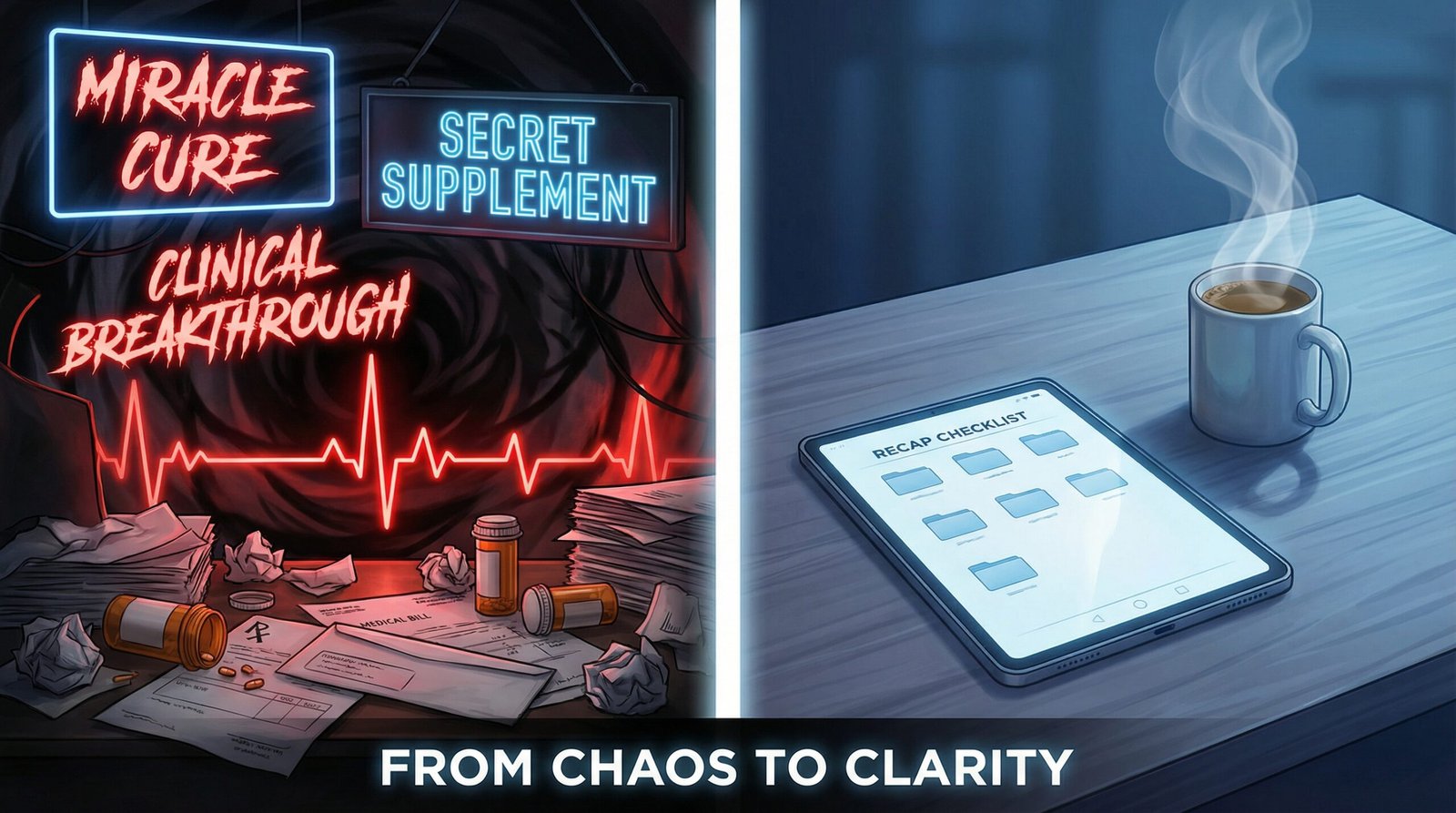
Always ask yourself: Is this website or post trying to sell me a product, supplement, or miracle cure? If money seems to be the main goal, be extra careful.
AI tools are not perfect. They can sometimes misunderstand details or make up information, including fake medical studies. They speak in a confident, human-like way, which makes it easy to trust them too much. That is why it is smart to follow a simple, step-by-step process.
A Word About Using Your Voice
Many people find it easier to speak to an AI than to type, especially when fatigue or cognitive fog makes sitting at a keyboard feel like too much. Tools like Siri on Apple devices, Gemini on Android, and voice input inside apps like Claude make this more accessible than ever. That convenience is real and worth using.
But voice adds a layer of risk that is easy to overlook.
When you speak a medical term, a medication name, or a symptom description, the AI first has to transcribe what you said before it can answer you. That transcription step is where errors can enter quietly. Research has shown that AI transcription tools can mishear or fabricate words, including medical terms that do not exist, particularly when the speaker’s speech is unclear, slow, or interrupted. You may ask about one drug, and the system may process something else entirely, then build its answer on that mistake.
A few habits that help:
Read the transcription before you read the answer. Most voice-enabled AI tools show you what they heard. Check it first. If the transcription got a medication name or symptom wrong, correct it before trusting the response.
Spell out unfamiliar terms when possible. For complex MS medications like ocrelizumab or natalizumab, spelling the word aloud or typing it directly reduces the chance of a transcription error.
Treat voice responses as a starting point, not a final answer. This is true of all AI, but the extra transcription step in voice tools means there are two places where errors can occur instead of one.
Voice input is a genuine accessibility tool for the MS community. Use it, but read before you trust.
Red Flags to Watch For in MS Research
When using AI for medical research, pay attention to these common patterns of mistakes:
Fabricated Medical Terms: AI errors in healthcare take more than one form, and both carry real risk. In a study from Cornell University and the University of Washington titled Careless Whisper: Speech-to-Text Hallucination Harms, researchers found that OpenAI’s Whisper, an AI transcription tool widely used in medical settings, fabricated a nonexistent medication called “hyperactivated antibiotics” while transcribing patient conversations. The study, which examined Whisper as used in 2023 and early 2024, found hallucinations occurring in roughly 1 to 1.4 percent of transcriptions, with errors appearing most often when patients had aphasia or when there were moments of silence. Newer versions of Whisper or tools fine-tuned for medical use may perform differently, but the underlying risk of hallucination in generative AI has not gone away. The danger is clear: a fabricated drug name in a medical record could lead to dangerous treatment decisions. Conversational AI chatbots carry a parallel risk. When asked medical research questions, they can invent drug names, dosages, or treatment protocols that sound completely real but do not exist. Whether the AI is transcribing a conversation or answering a question, fabricated medical information is a serious hazard.
Mixing Up MS Types: The AI may confuse information from relapsing-remitting MS (RRMS) with primary progressive MS (PPMS). This can lead to confusing or irrelevant advice about treatments.
The “Yes-Man” Bias: AI is designed to be helpful, so it may agree with your own assumptions or self-diagnosis even when the medical evidence does not support it.
Fictional Citations: AI often creates references to studies that sound real, complete with titles and DOIs (unique study identifiers), but the papers do not actually exist.
These red flags are why it helps to stay cautious and double-check important details.
How to Use AI as Your Helpful Research Partner
Think of AI as a smart assistant, not a doctor. It can help organize information and prepare better questions for your appointments. Here is an easy way to use it safely:
Begin with Trusted Sources
Tell the AI to base its answers only on reliable places, such as:
PubMed or PMC for real medical studies
Cochrane Library for trusted reviews of treatments
National MS Society for clear information on living with MS
arXiv for new research on AI in healthcare
Use NotebookLM as Your Personal Notebook
One of the safest tools is NotebookLM. You can upload your own documents, like lab results, medication lists, or doctor notes. Then the AI will only use that information to answer your questions.
In our own journey, we uploaded twenty years of Charlene’s medical history into a dedicated Notebook. This includes two decades of bloodwork results, a full list of her medications, exact dosages, and the dates she started each one. We also included the official data sheets for those medications. When we ask the AI a question, it is not searching the whole internet. It is looking specifically at Charlene’s actual history and data.
Pick Smarter AI Models for Deeper Questions
Not all AI models are the same. Some are built for quick, everyday chat (fast models), while others are designed for careful, step-by-step thinking (reasoning or “thinking” models).
Fast models (such as the latest GPT-4o-style or Gemini Flash versions) are great for simple tasks like summarizing an email or explaining a basic term like “demyelination.” They are quick and friendly, but they can make more logical mistakes when the topic is complex, like detailed MS research.
ChatGPT is popular and easy to use, but recent studies show they can confidently give incorrect or even dangerous medical advice. For MS research, it is best to avoid ChatGPT entirely. It has been shown to fabricate information, mix up conditions, and present made-up facts as real, sometimes in ways that sound completely believable.
Thinking or reasoning models (such as Gemini advanced reasoning versions, Claude thinking modes, or Grok by xAI) take time to think through the problem step by step before answering. This makes them much more reliable for deeper medical questions.
Important note: By the time you read this, newer versions will likely be available. AI tools advance very quickly. The key idea stays the same: for important MS topics, choose a model that is designed for careful reasoning rather than pure speed. Right now, models like Grok, the latest reasoning versions from OpenAI, Google, and Anthropic, often perform better on complex tasks.
Tip: For deep medical dives, start with a reasoning model. However, even these stronger models can sometimes make plausible errors that sound logical, so always double-check.
Double-Check with Another AI
Get an answer from one AI. Then paste it into a different one and ask: Does this summary have any mistakes or confusing parts? This extra step helps catch errors.
Use the RECAP Checklist (A Simple Way to Verify Information)
Before trusting what you read, quickly check:
Relevance: Does this apply to your specific type of MS and your health history?
Evidence-based: Can you trace the information back to a real study or trusted source?
Clarity: Is it explained in a way that makes sense?
Adaptability: Does the AI adjust its answer when you add new details from your doctor?
Precision: Does it remind you to talk with your neurologist?
Your Doctor Is the Real Expert
(hopefully)
AI can be a transformative tool for the MS community. It can help you find patterns in your symptoms or navigate the treasure trove of clinical data. However, the National MS Society and medical experts agree that AI should complement, not replace, your clinical team.
Think of AI as a very smart, sometimes over-eager research assistant. It can help you gather the data and prepare better questions for your appointments, but you, the patient or family member, must remain the one who verifies the truth and makes the final decisions with your doctor.
Use these tools to feel more prepared and confident. Then bring everything to your neurologist for guidance.
By approaching AI with care and common sense, you can cut through the noise and focus on what really helps your health and peace of mind.
One last-minute update.
I was about to publish this when Google made some major updates to Gemini, and I wanted to include that here. The integration of NotebookLM into Gemini. More than it had already been.
This is an explanation straight from Gemini:
The integration of Notebooks directly into Gemini represents a significant advancement for anyone managing complex, long-term research projects. This feature allows users to create dedicated project spaces—or “notebooks”—within Gemini to organize related chats, PDFs, and medical research papers. Because these notebooks sync two-way with NotebookLM, any source added in one app automatically appears in the other. For patients and caregivers, this creates a unified, private knowledge base where they can cross-reference multiple documents without having to re-upload files or re-explain context in every new session. This connection also allows users to leverage specialized NotebookLM features, such as Video Overviews and Infographics, while staying within the conversational and web-searching power of Gemini, ensuring that their research remains grounded in verified sources while remaining easy to navigate.
I am currently working on a more detailed guide about setting up your own personal health log. It will be released soon on this blog.
Until then,
Let’s see the world, one charge cycle at a time. 🧡⚡